Dialed In.
Your Coffee Companion.
Dialed In is a coffee companion app and espresso logbook for home baristas. Track beans, grind settings, dose, yield and taste so you can repeat your best shots. Works offline on iOS, with optional private iCloud sync. Android coming soon.


OFFLINE-FIRST
YOUR DATA STAYS YOURS
15+ SHOT PARAMETERS
3 LANGUAGES
See It In Action
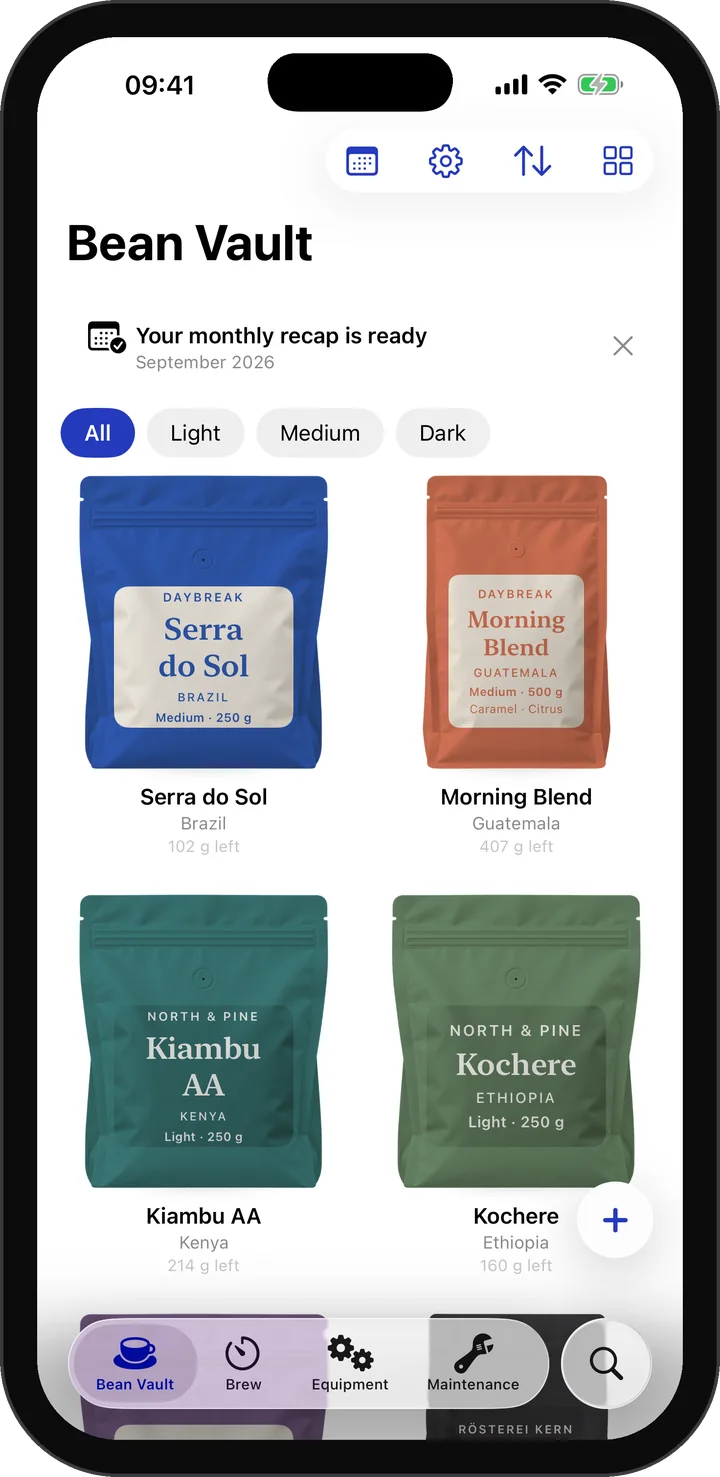
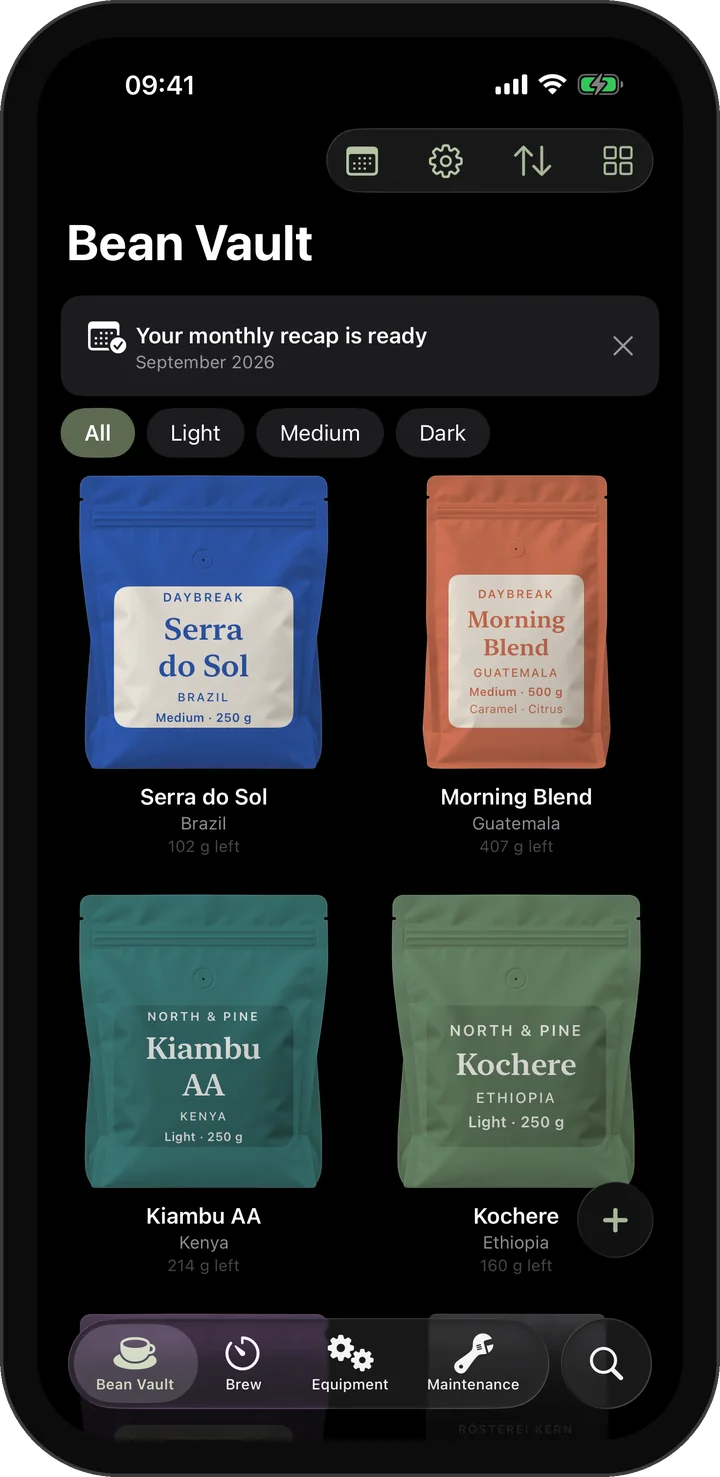
Bean Shelf
Every coffee as a bag on your shelf: illustrated in your color, or your own photo cut out.
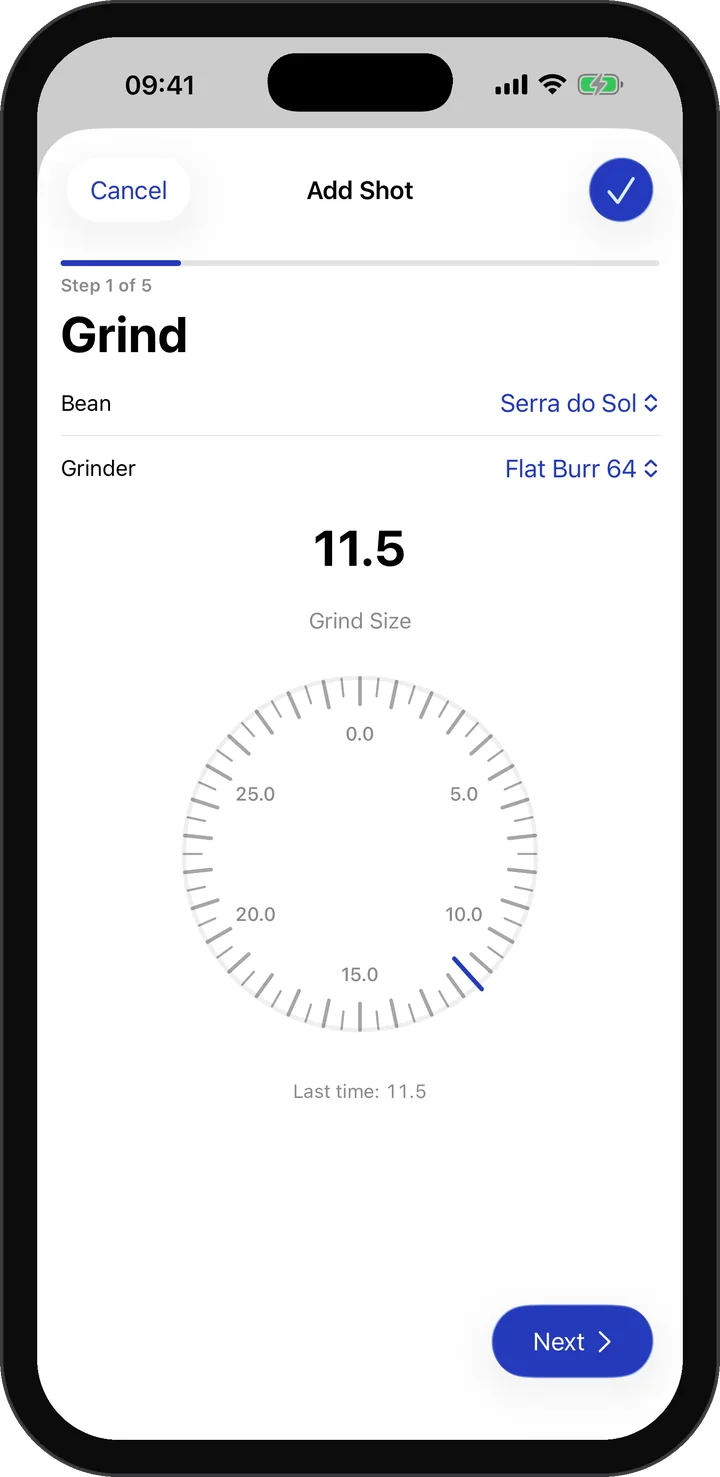
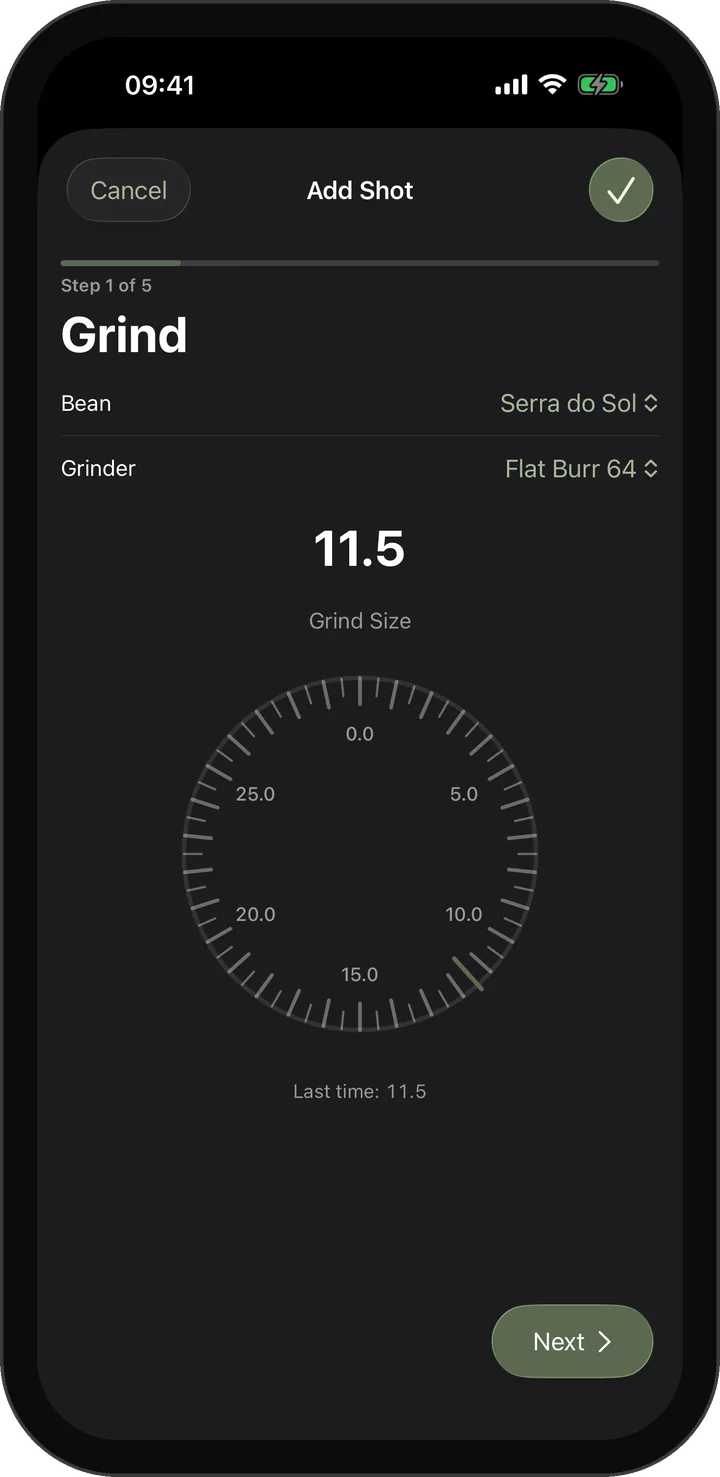
Grind Dial
Set the grind on a dial that feels like your grinder, with haptics and clicks.
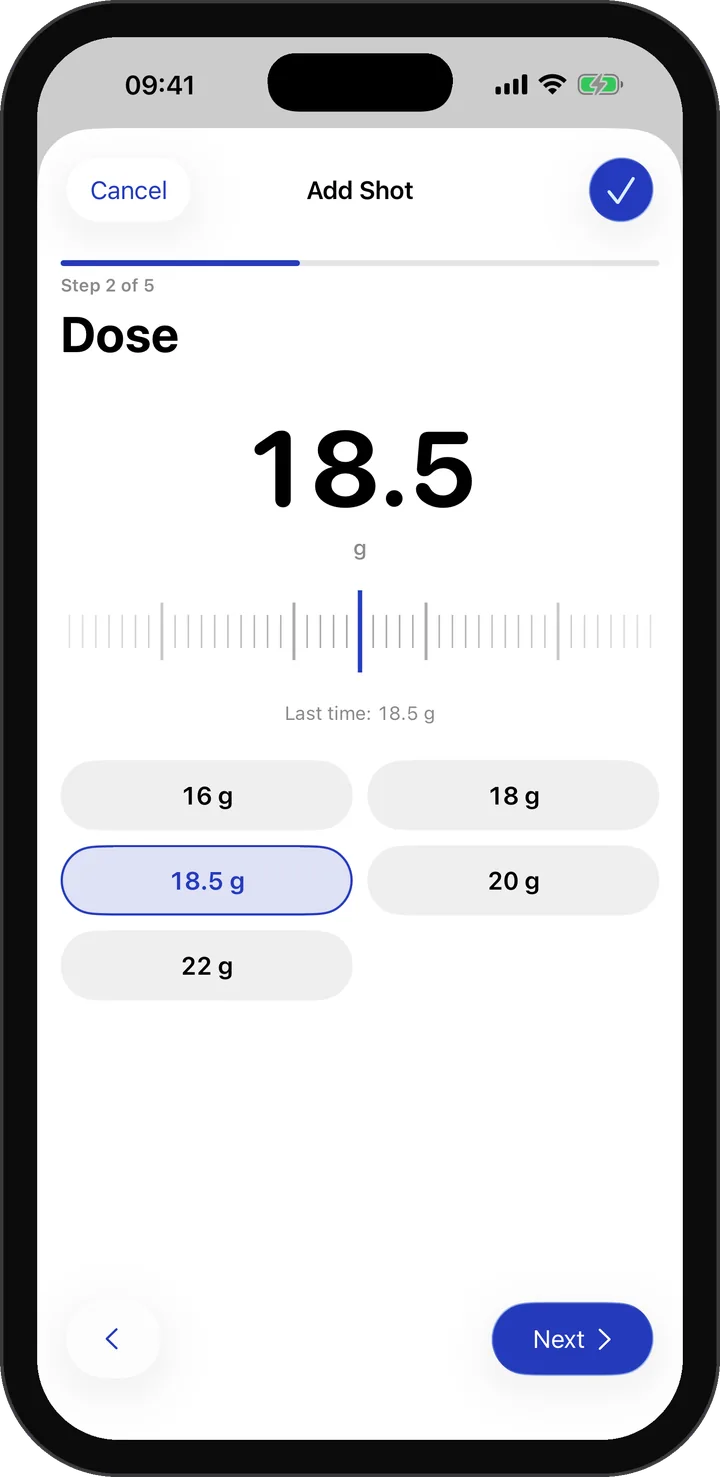
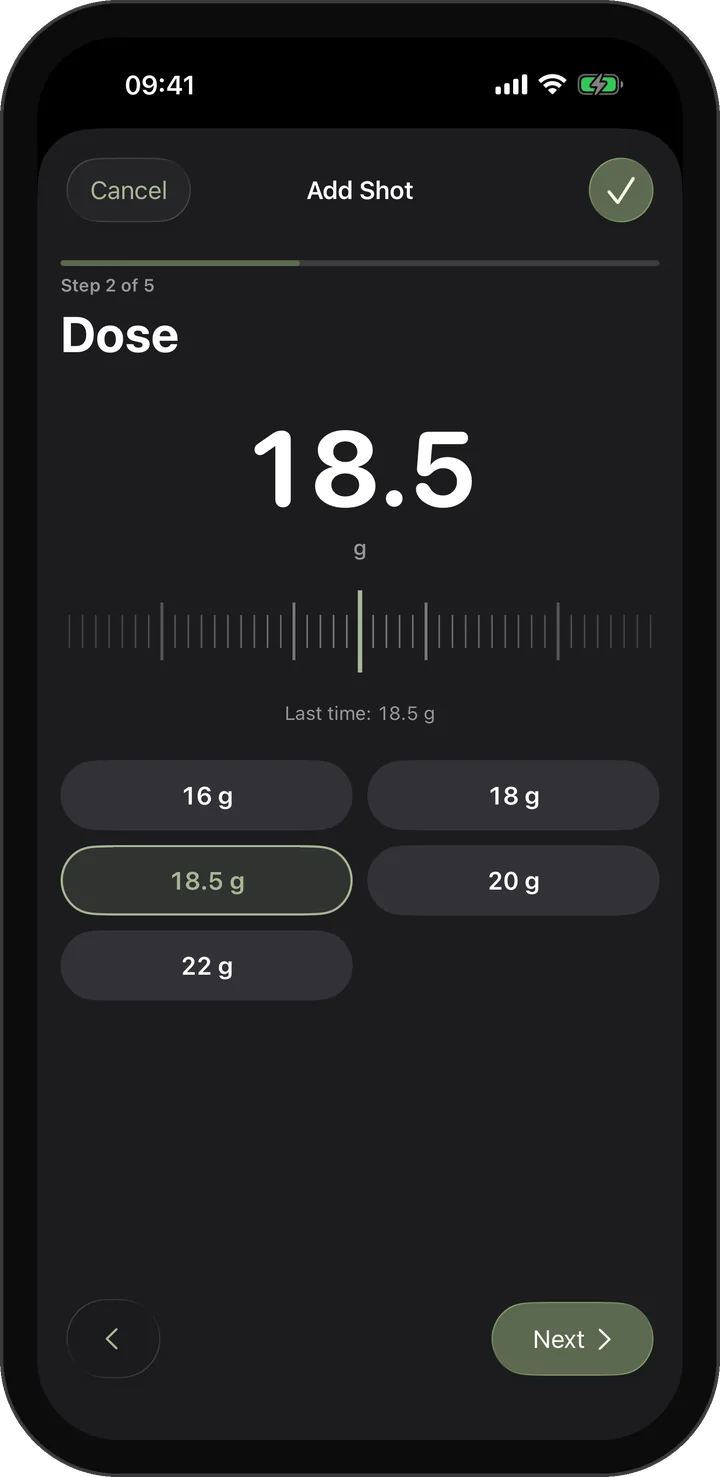
Dose & Yield
Big numbers, a smooth ruler and quick presets. No keyboard needed.
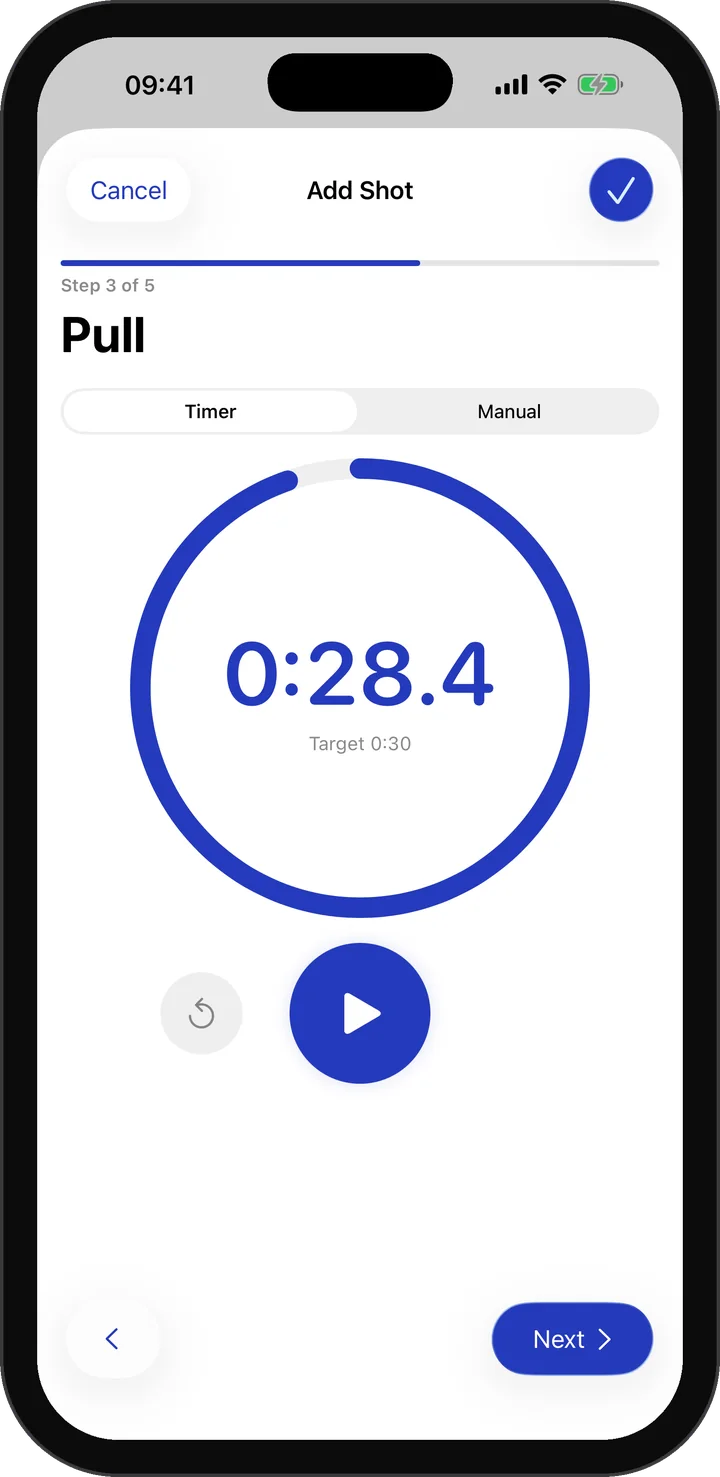
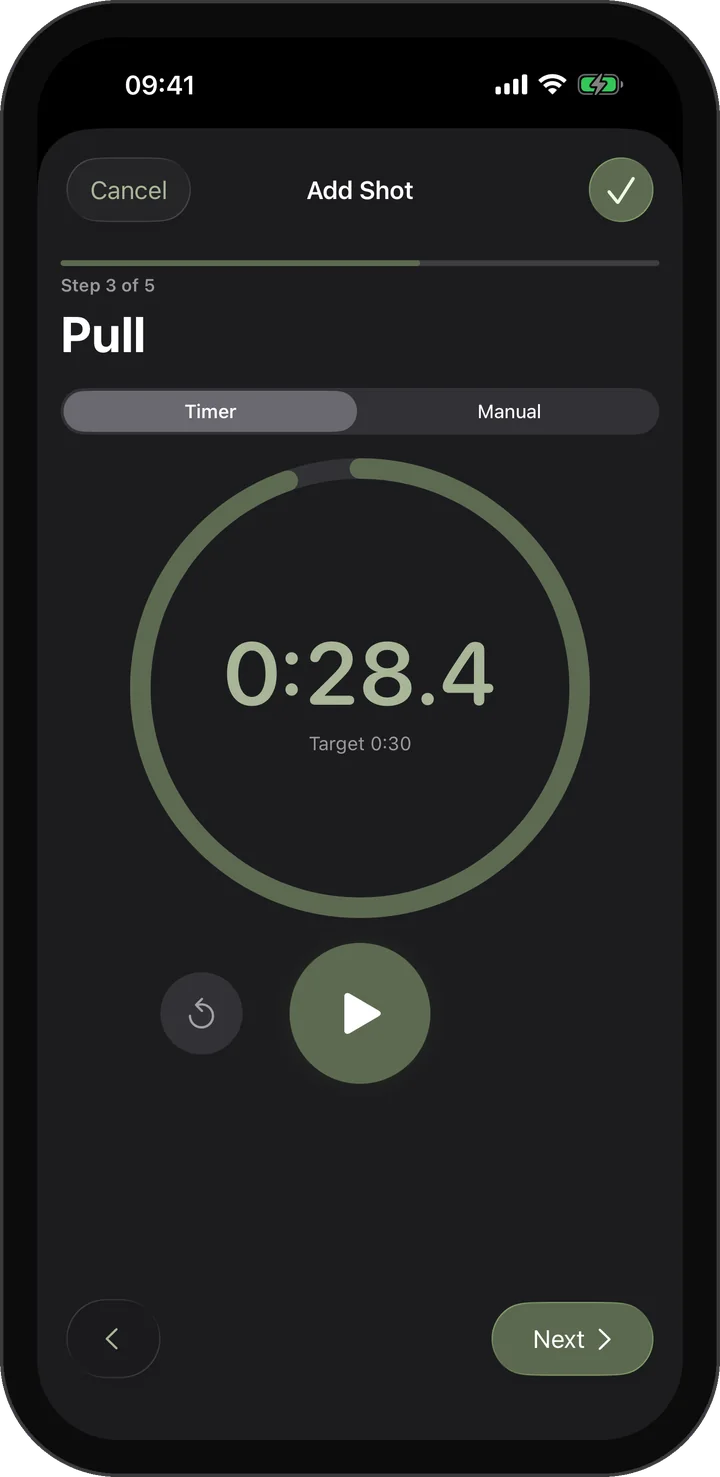
Shot Timer
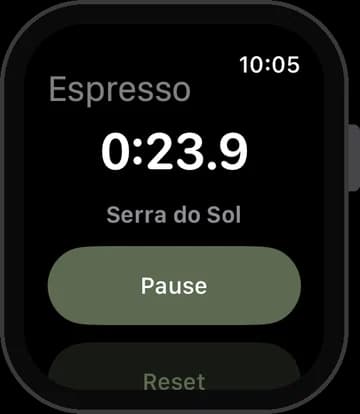
Time the pull with one tap, also on your Lock Screen and in the Dynamic Island.
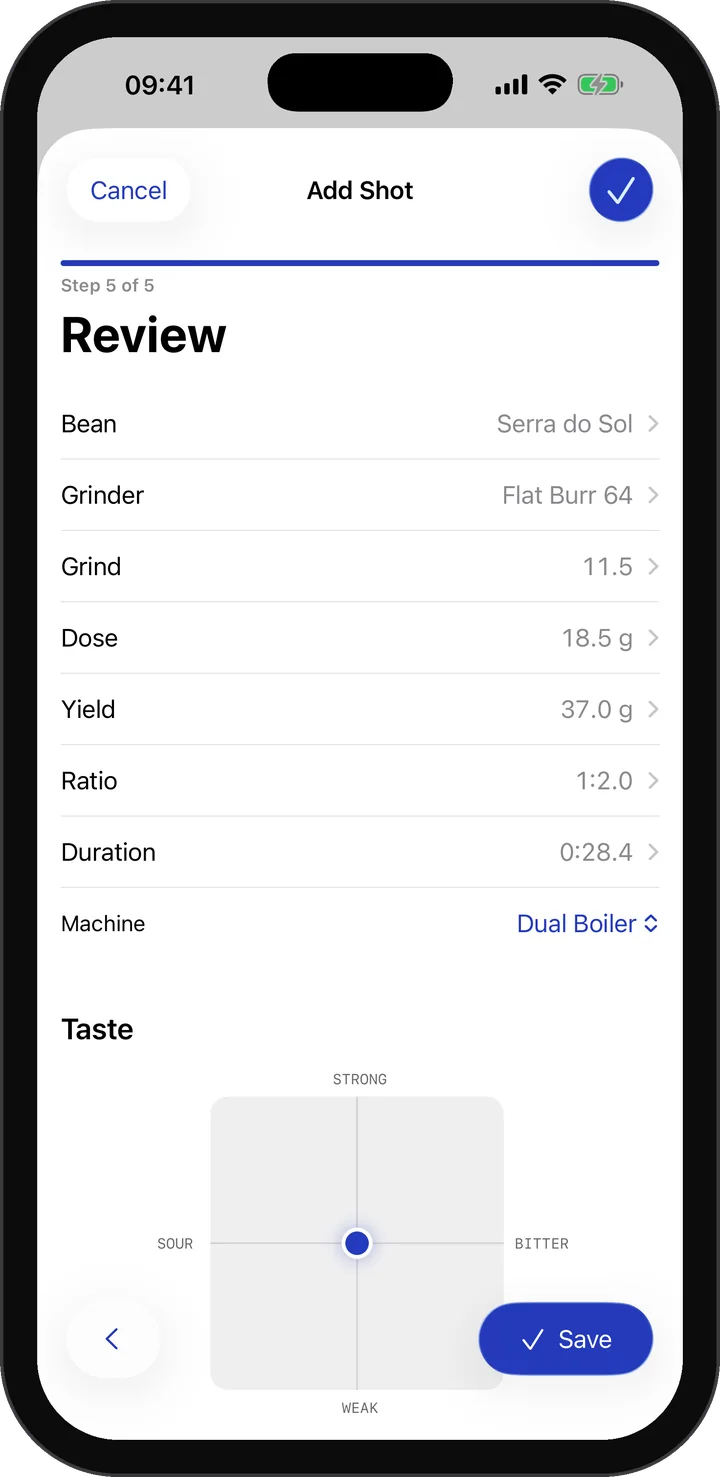
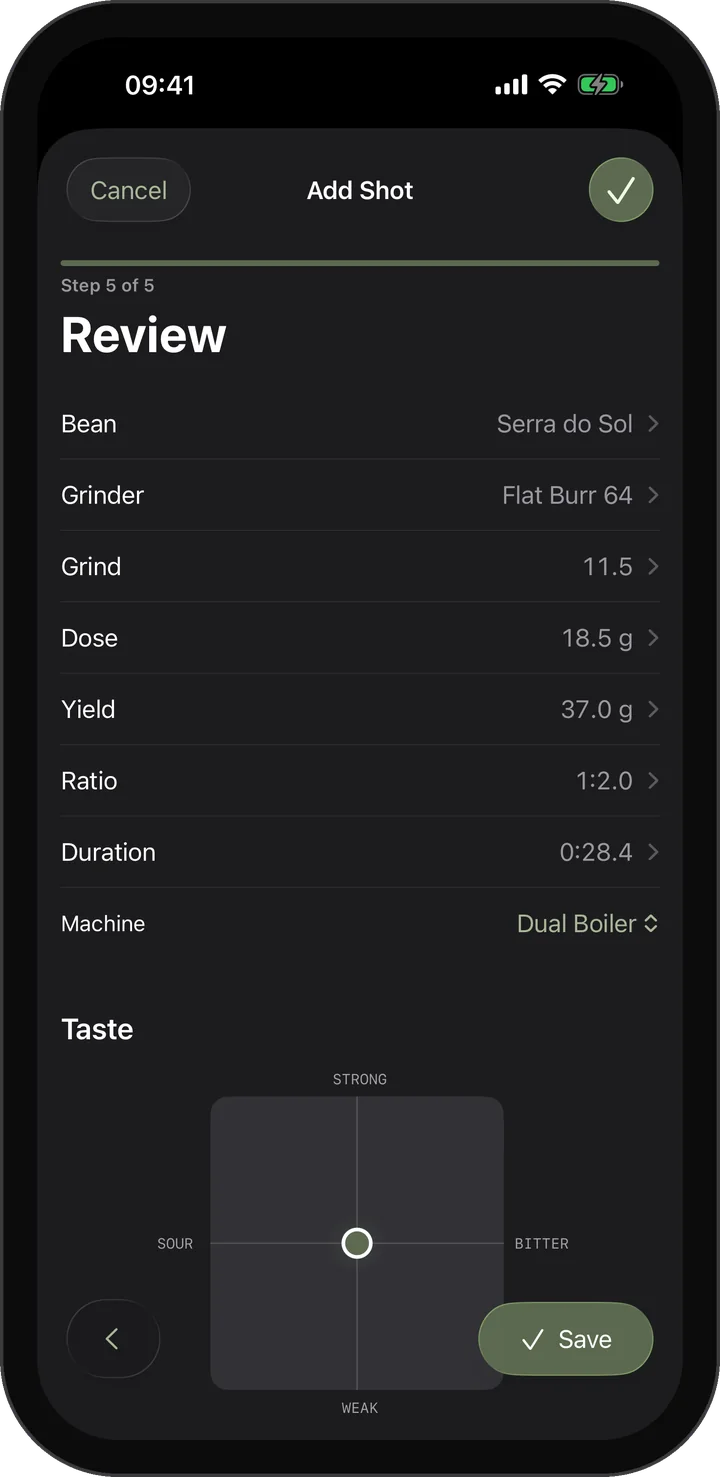
Review & Taste
Check every value, place the taste on the flavor grid and save.
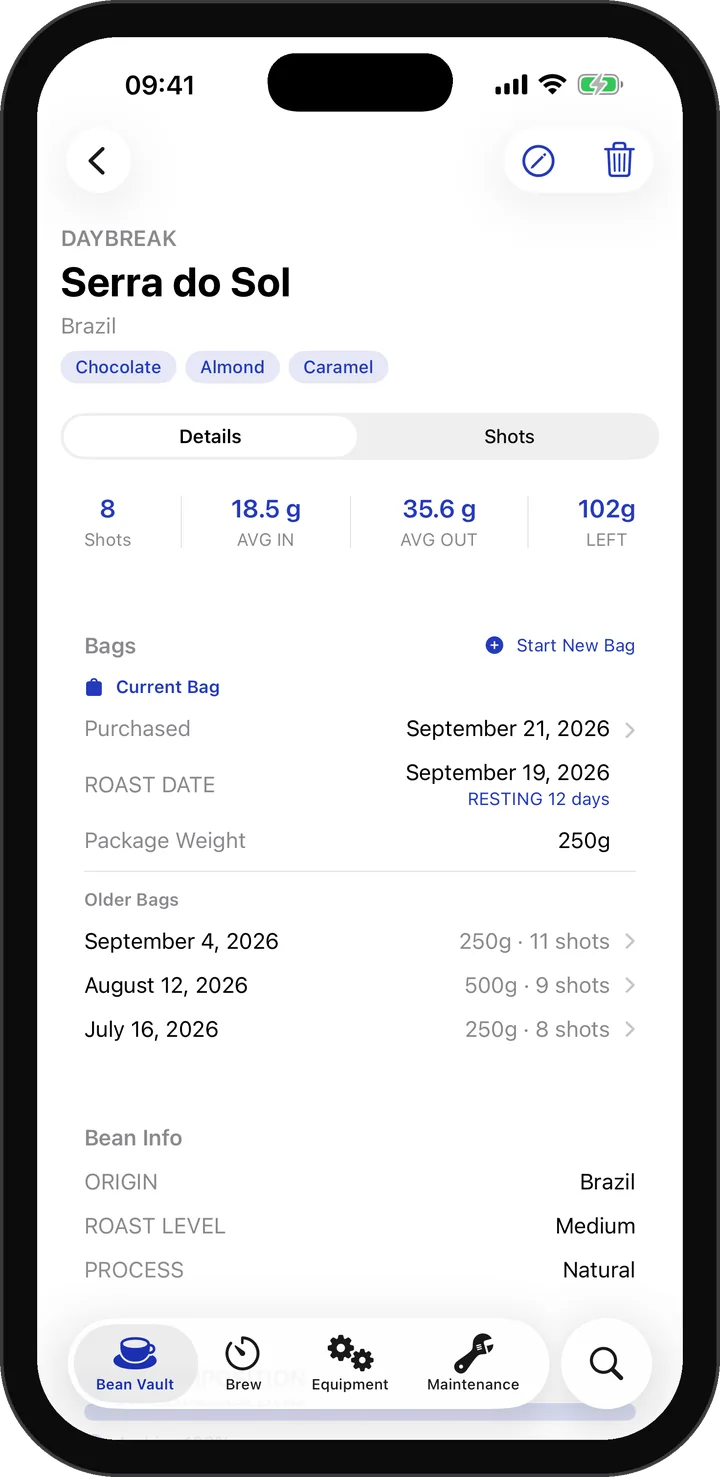
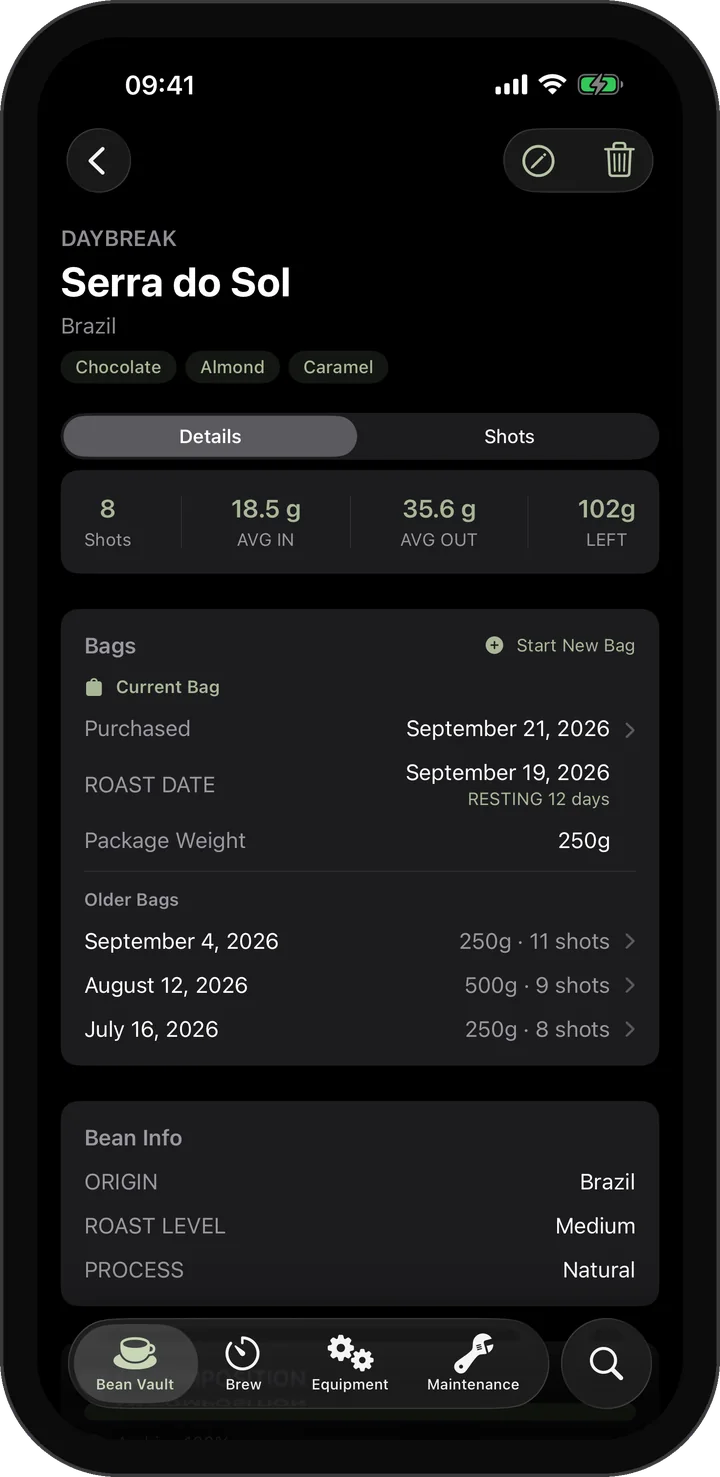
Every Bag Tracked
Each bag keeps its own weight, roast date and rest days, plus the history of every bag you opened.
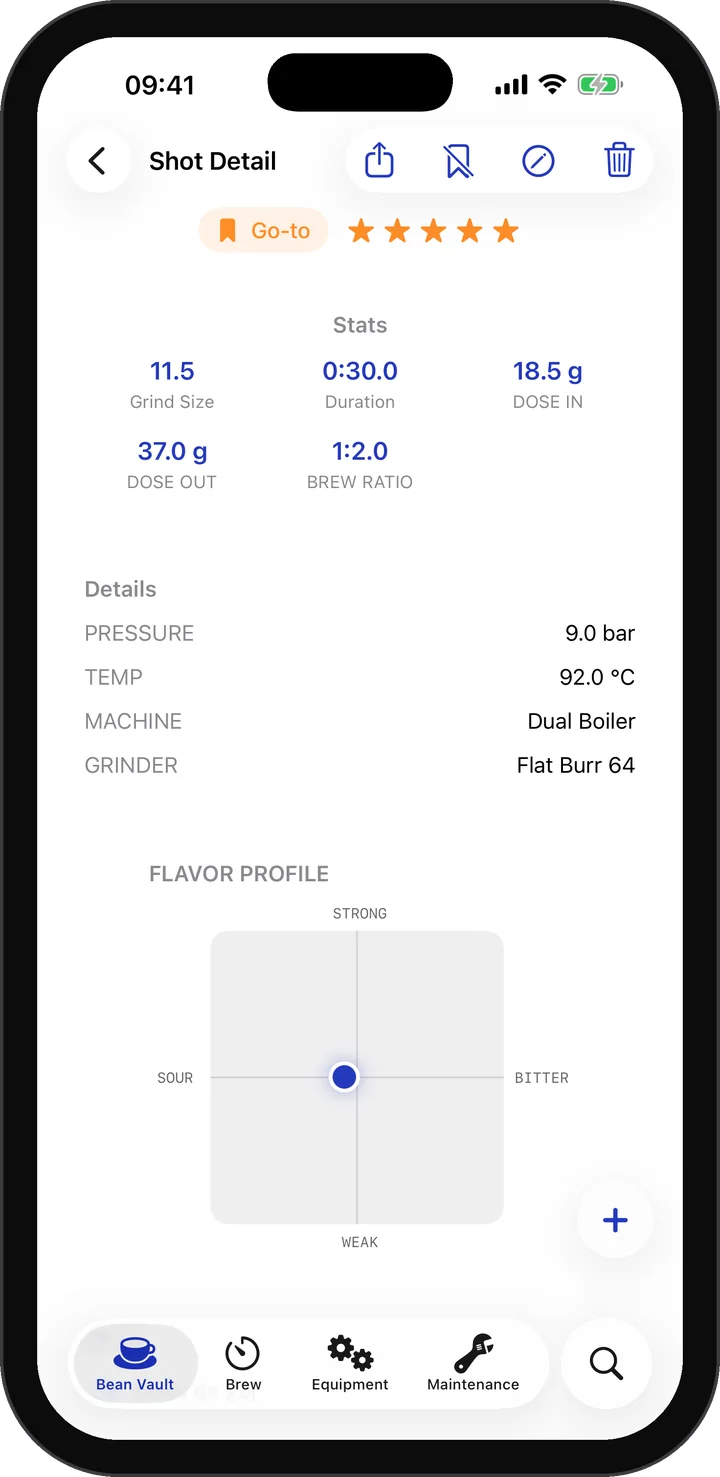
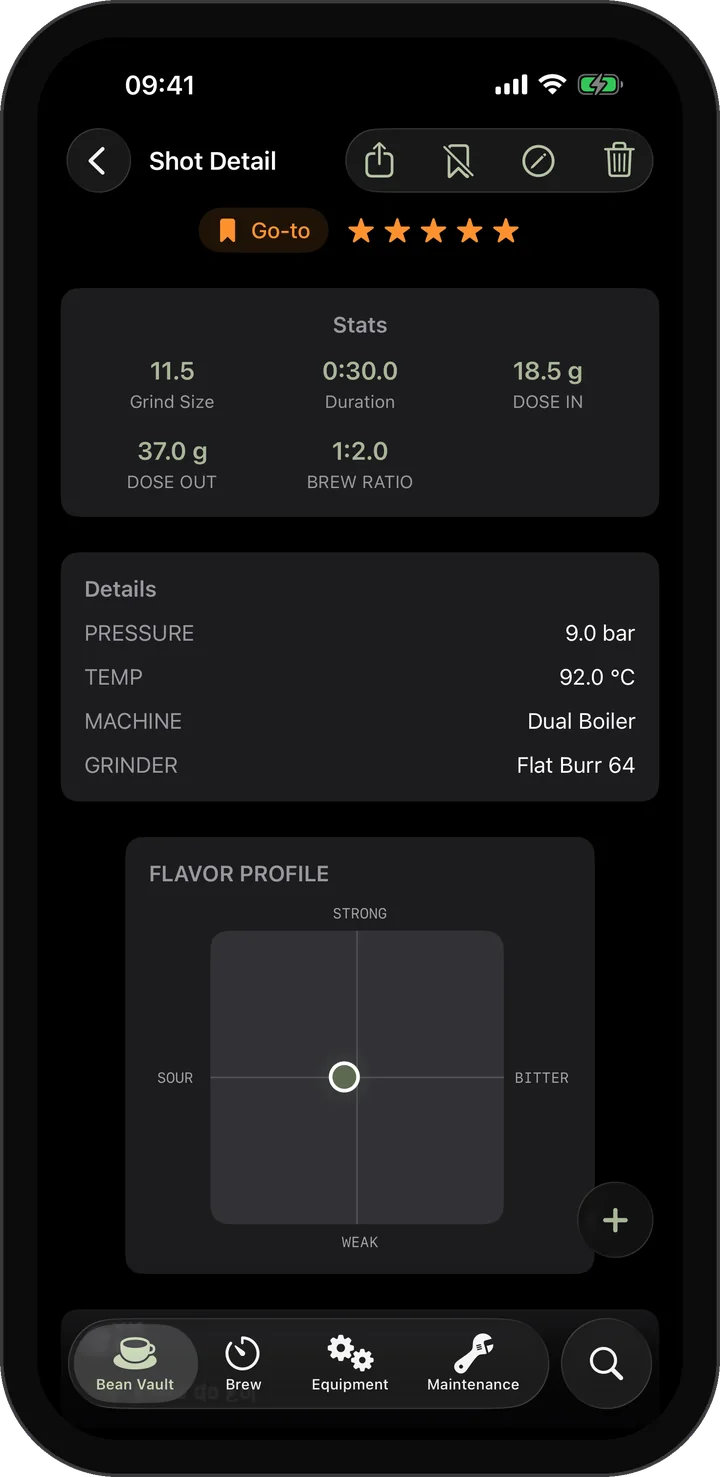
Shot Detail
Every value of a shot at a glance: stats, rating, taste and equipment.
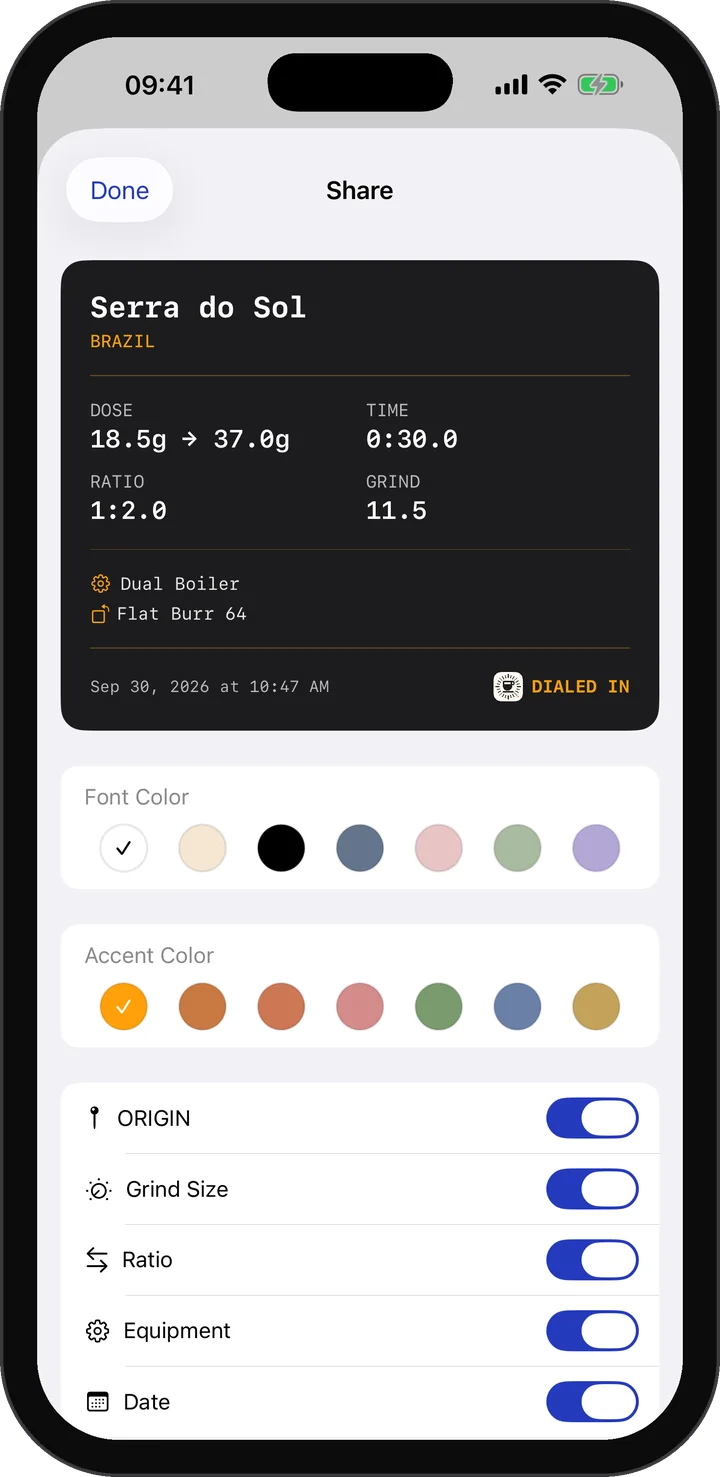
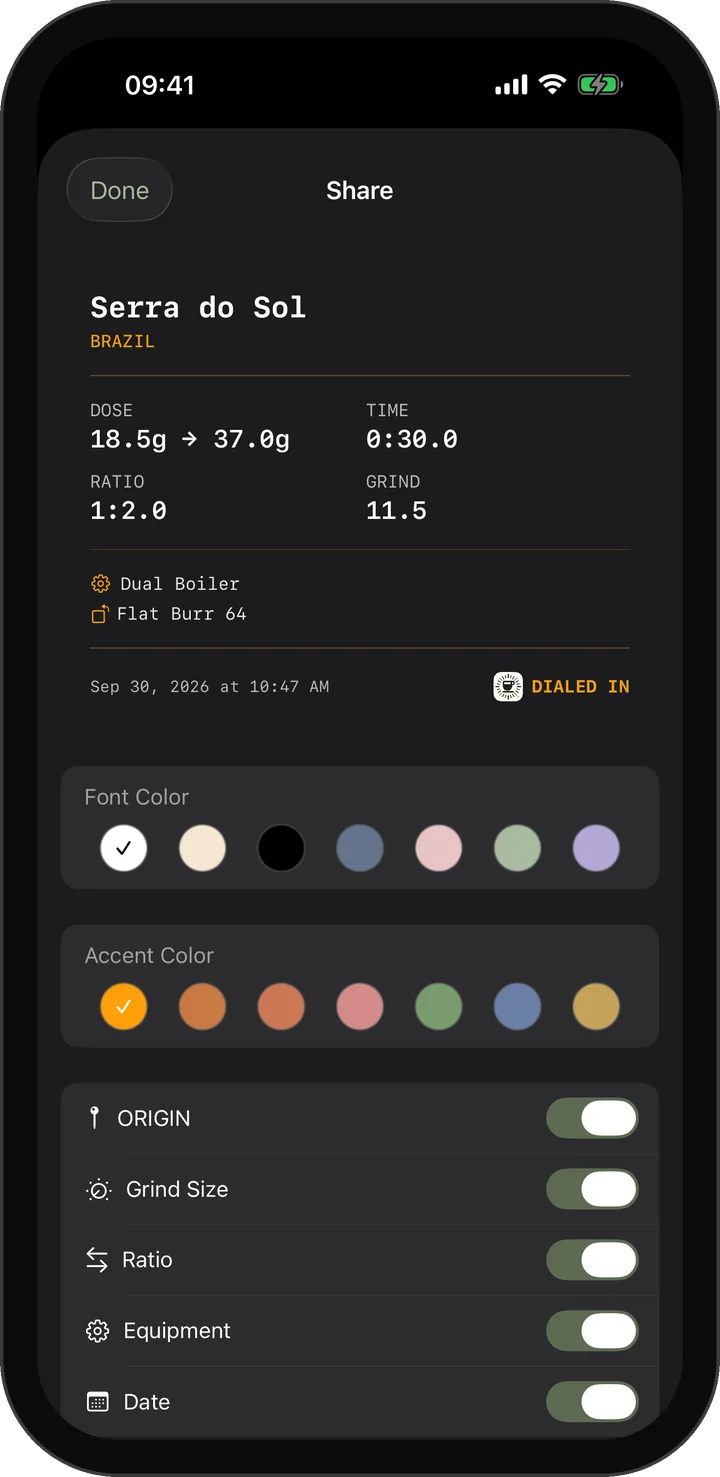
Shot Cards
Turn a shot into a shareable card and choose the colors and details it shows.
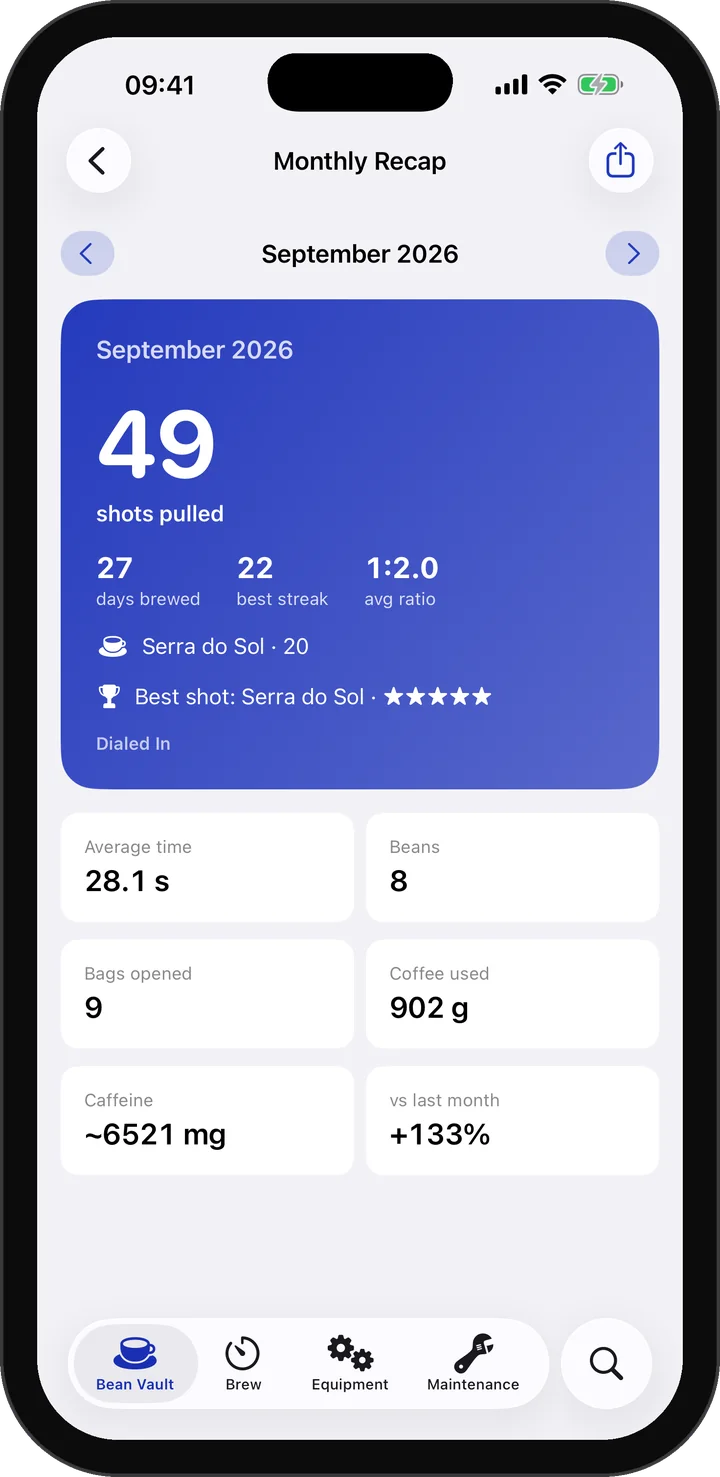
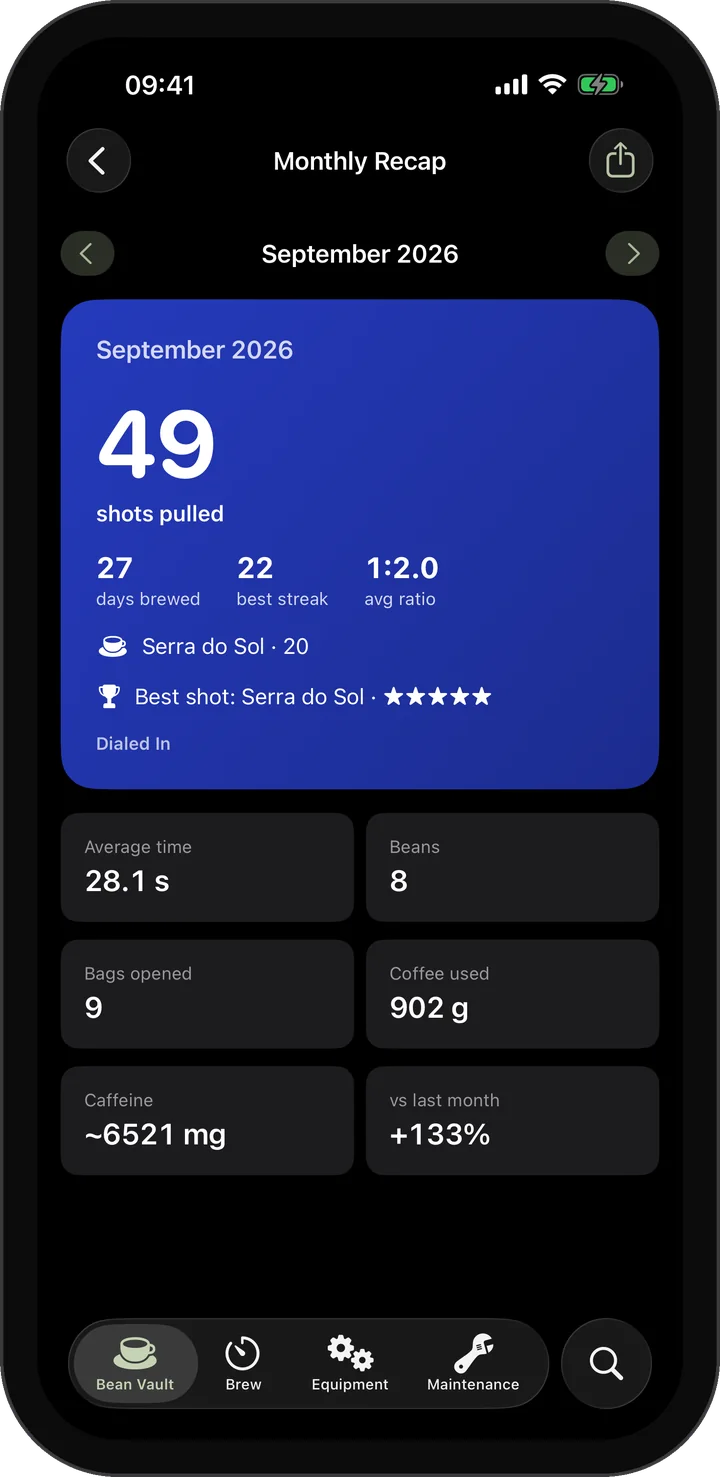
Monthly Recap
Your month in numbers: streak, ratio, coffee used and your best shot.
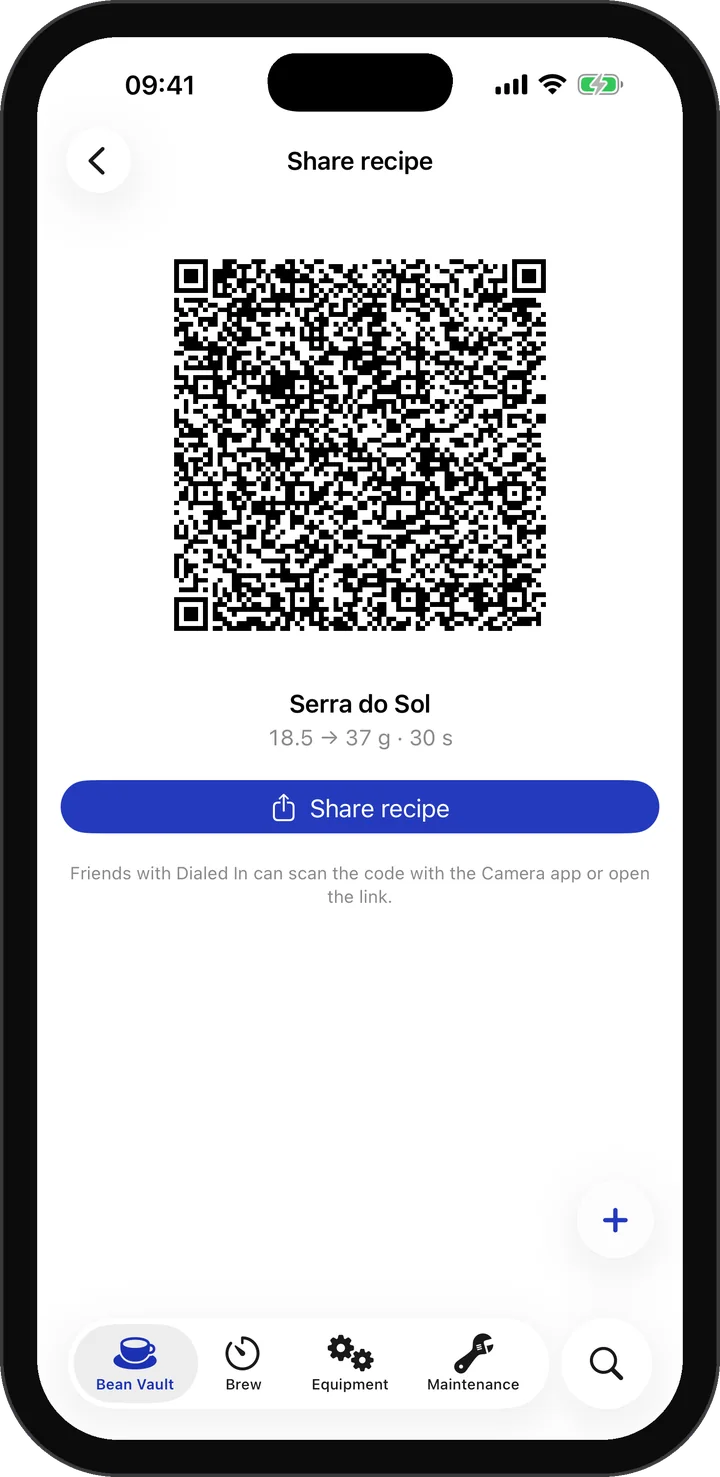
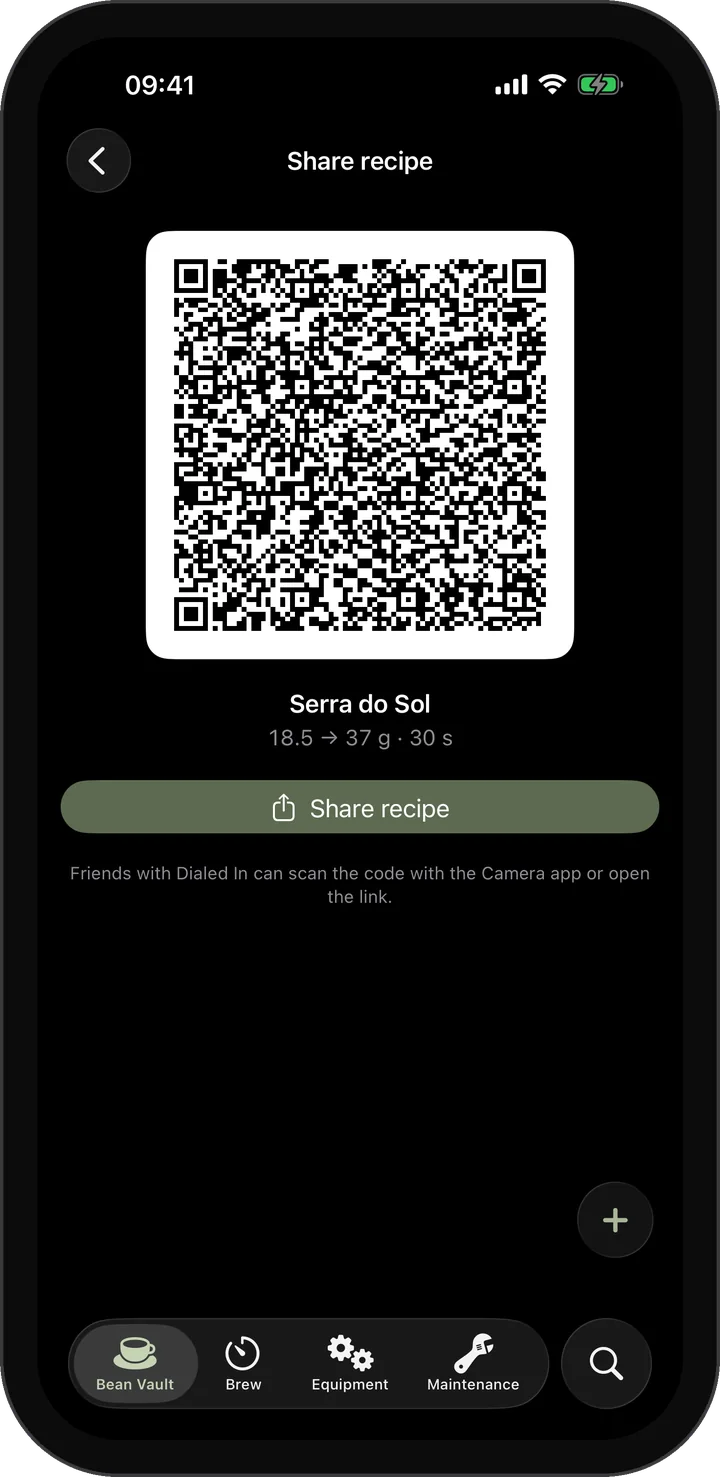
Share by QR Code
Send a recipe as a link or QR code. Friends scan it with the Camera app.
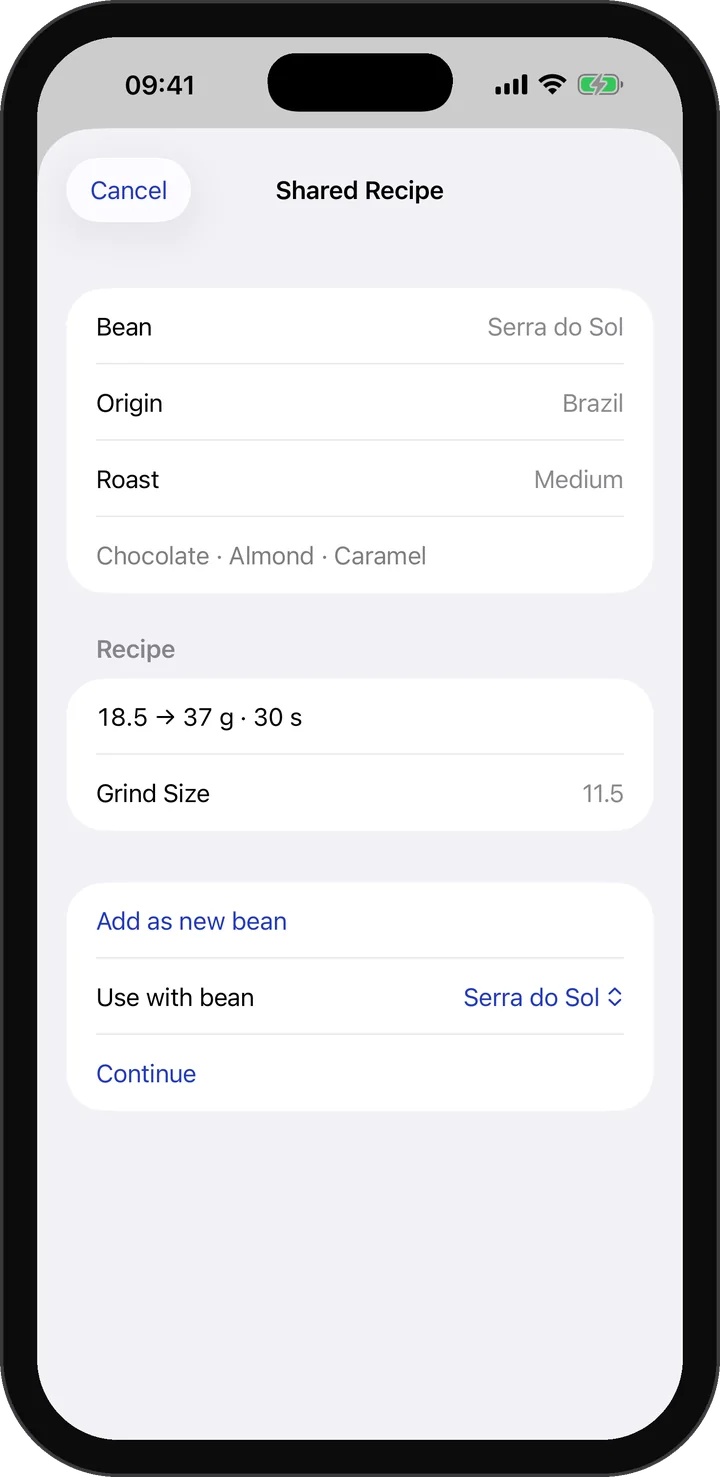
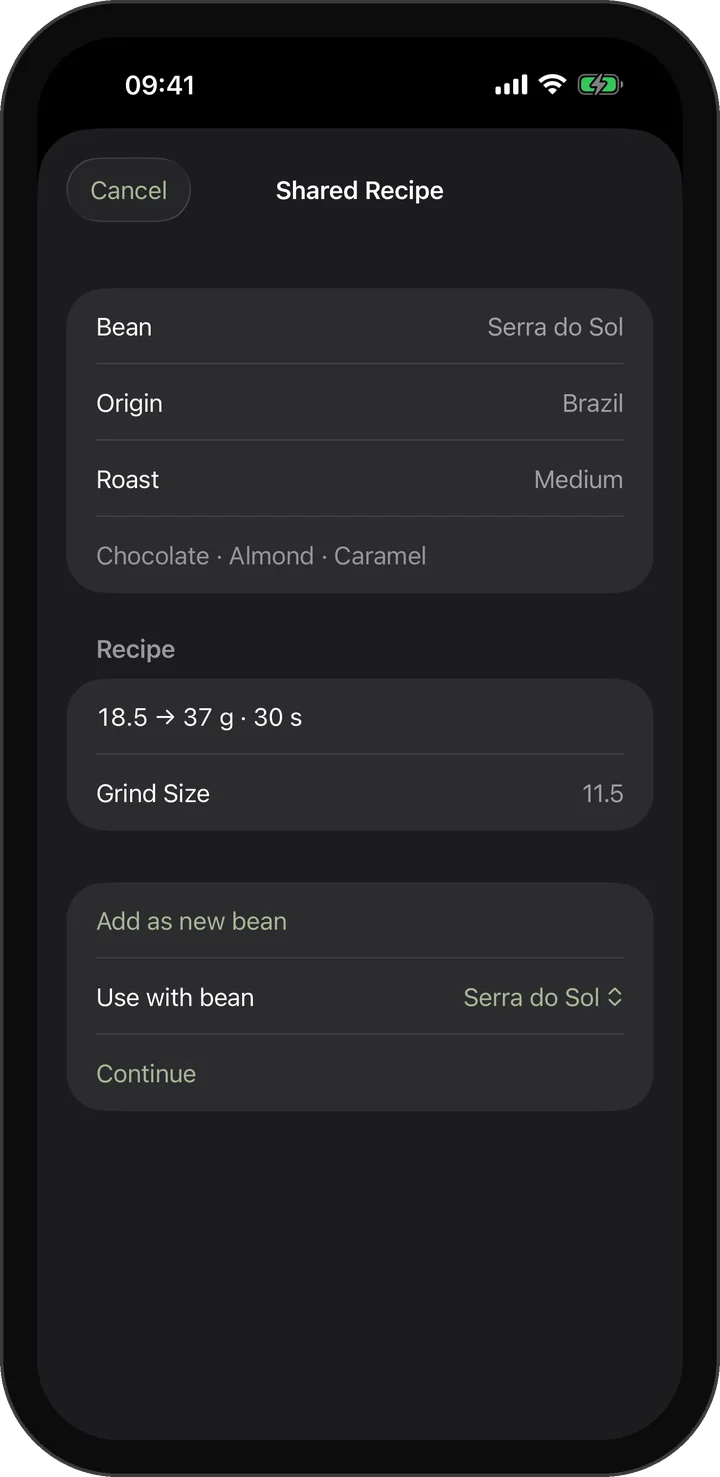
Shared Recipes
Open a friend's recipe, preview it and add it as a new bean.
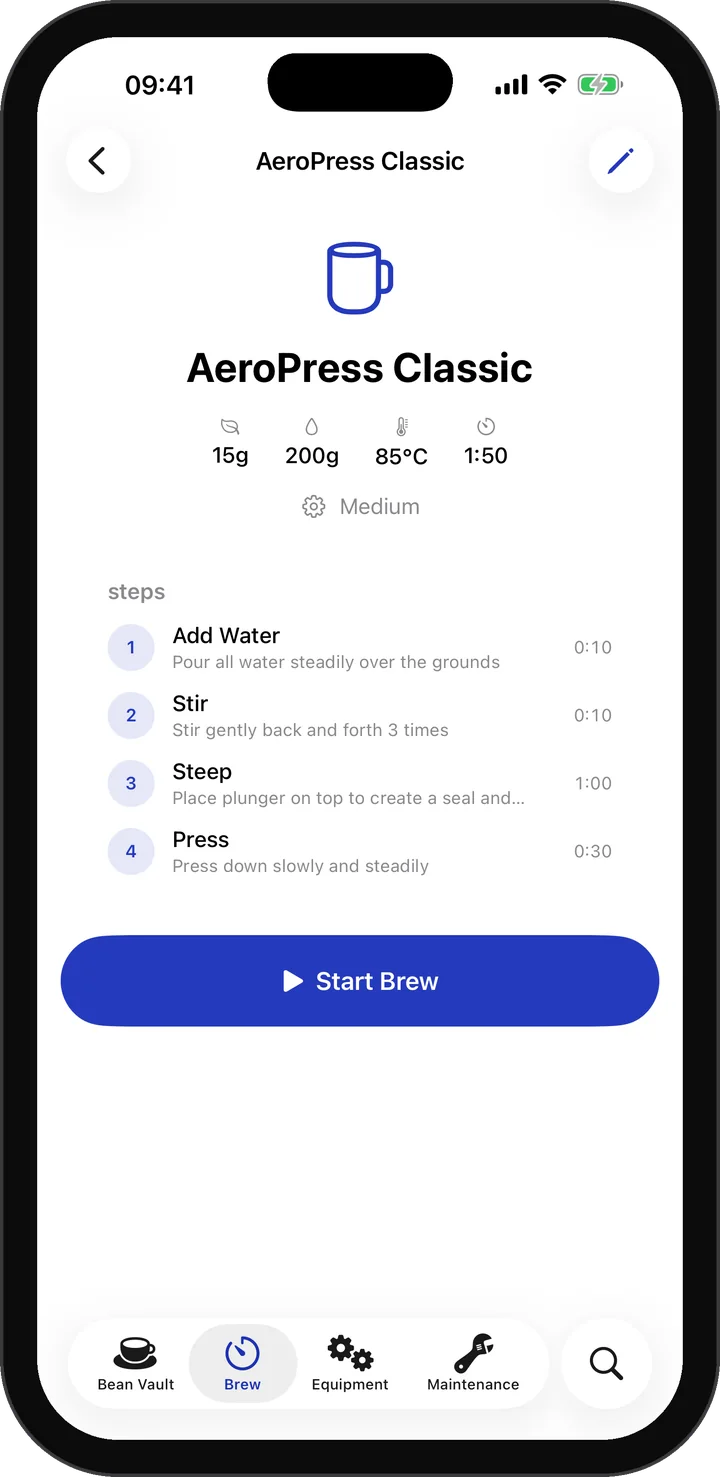
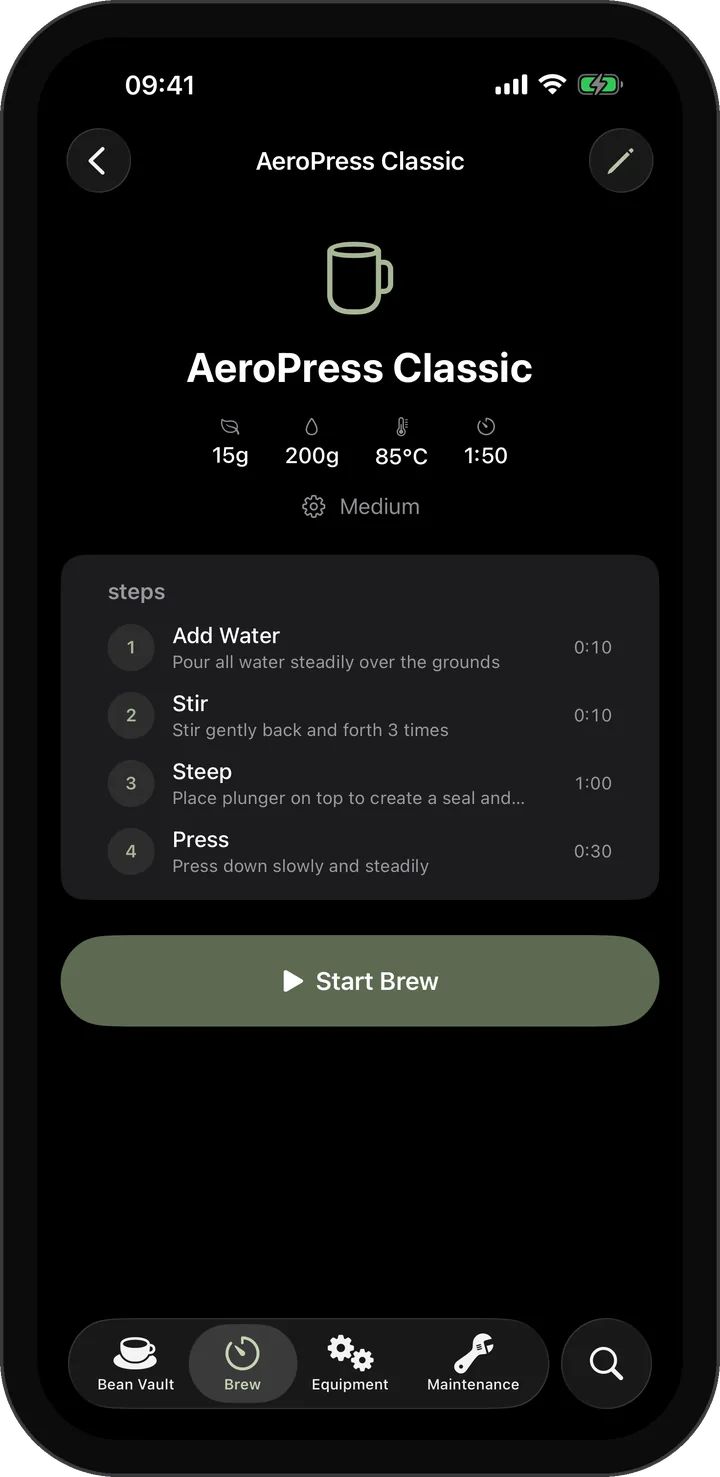
Brew Timer
Guided pour-over recipes with a step list and a live timer.
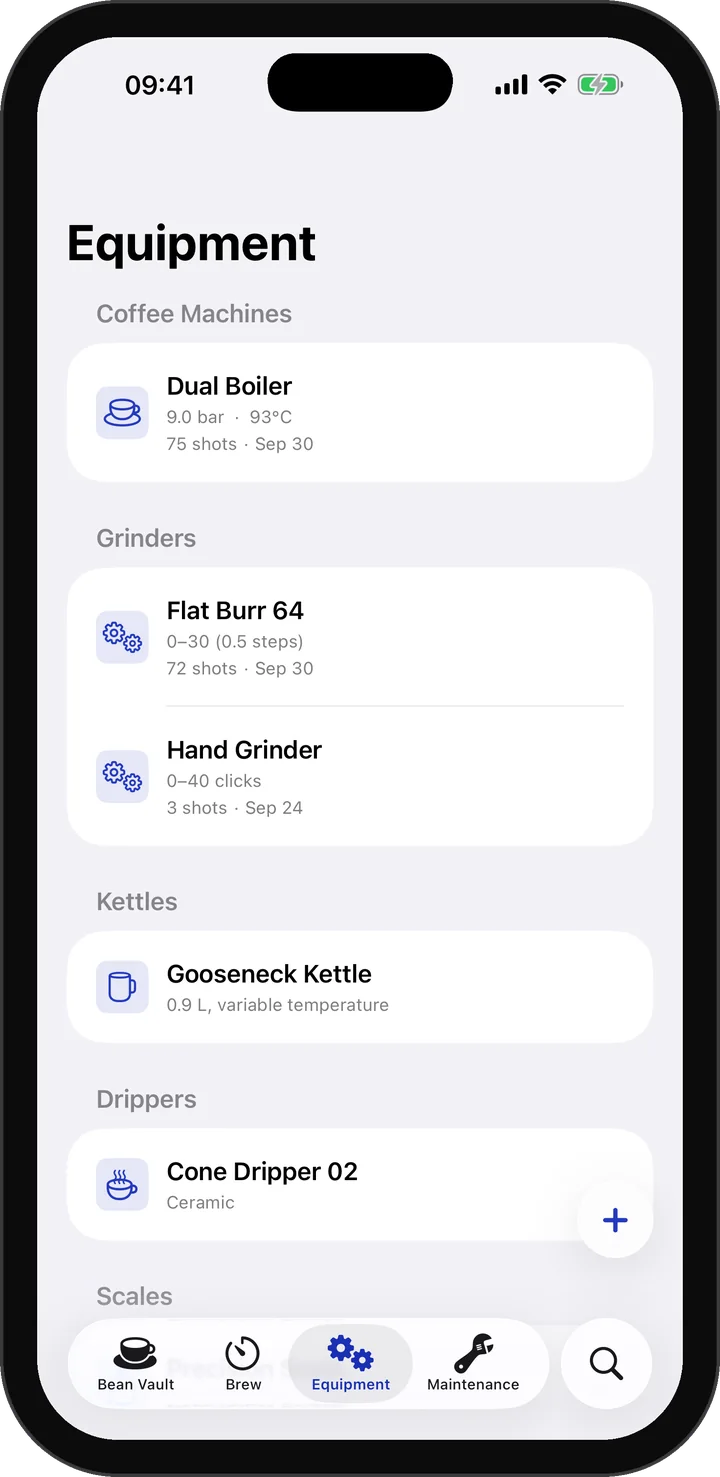
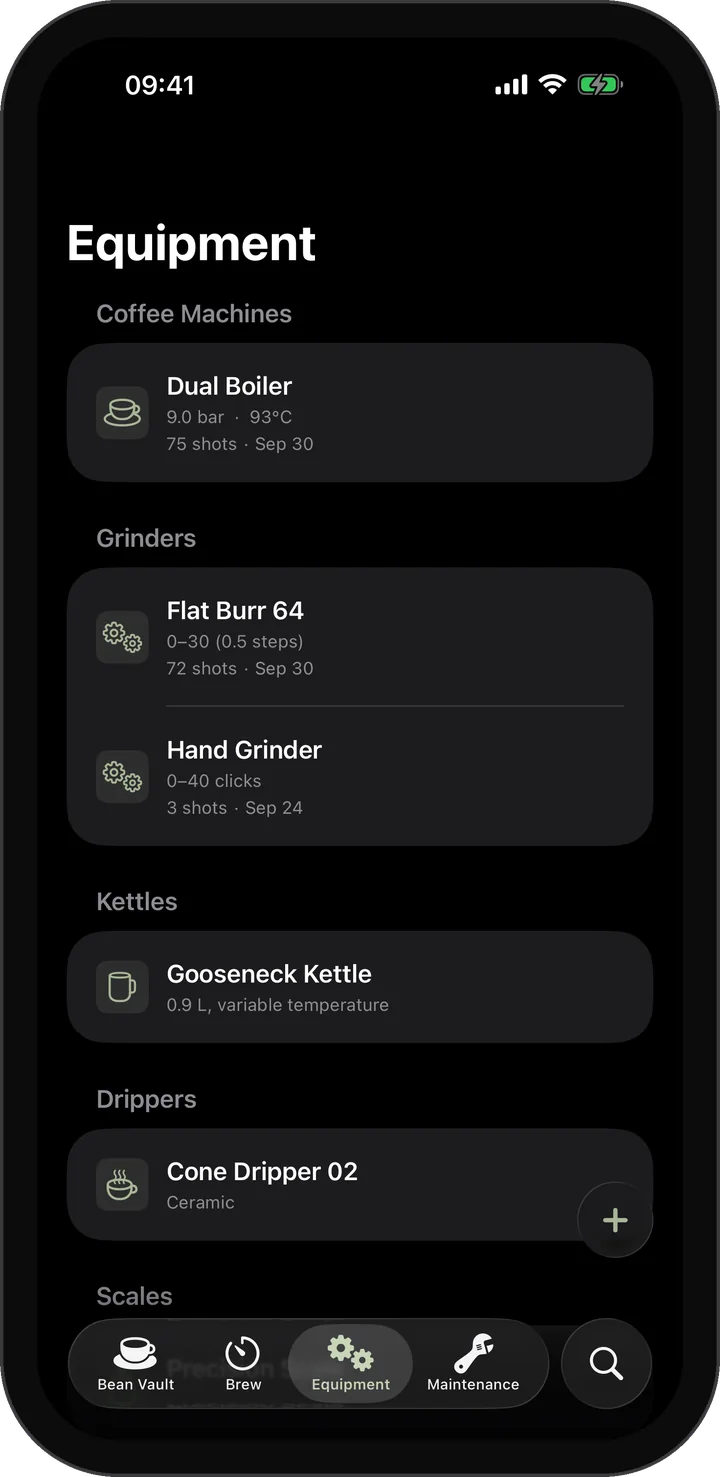
Equipment
Machines, grinders and brew gear with shot counters and a default machine.
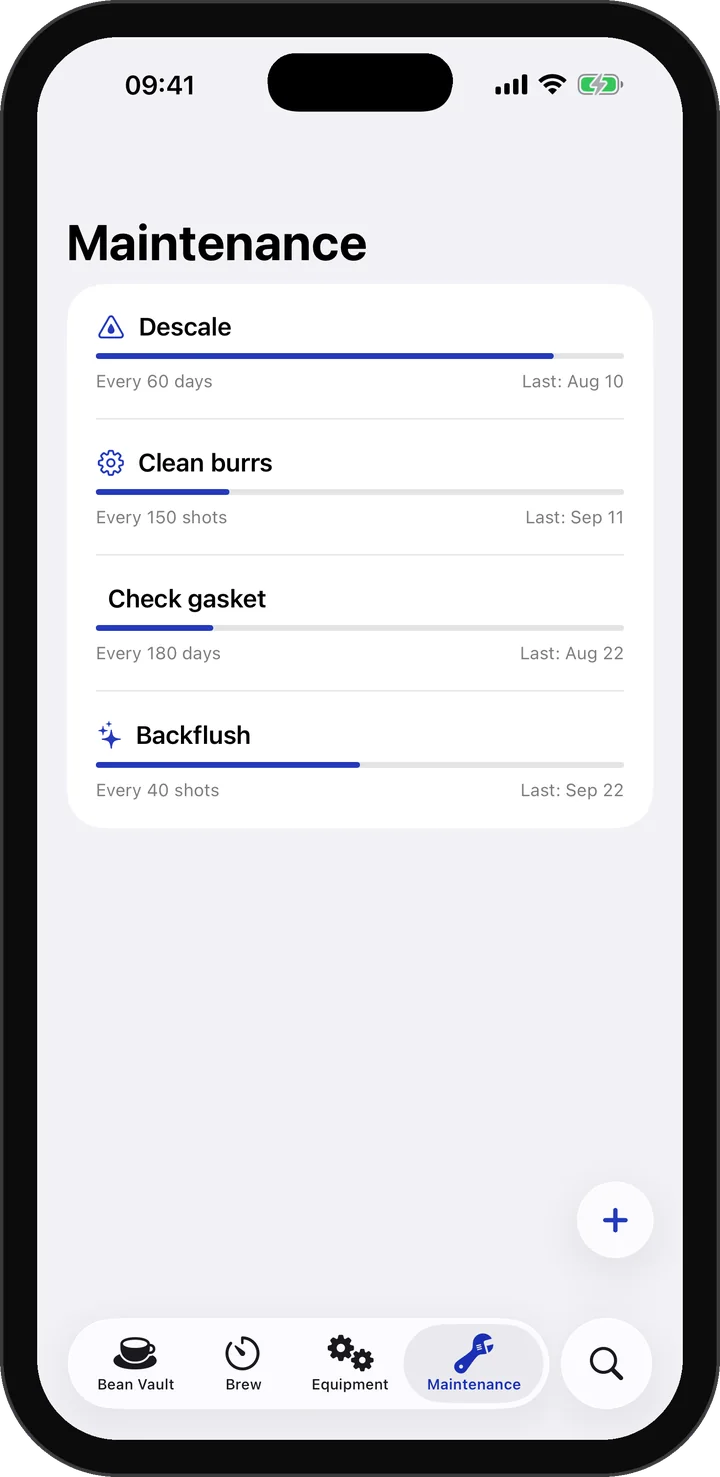
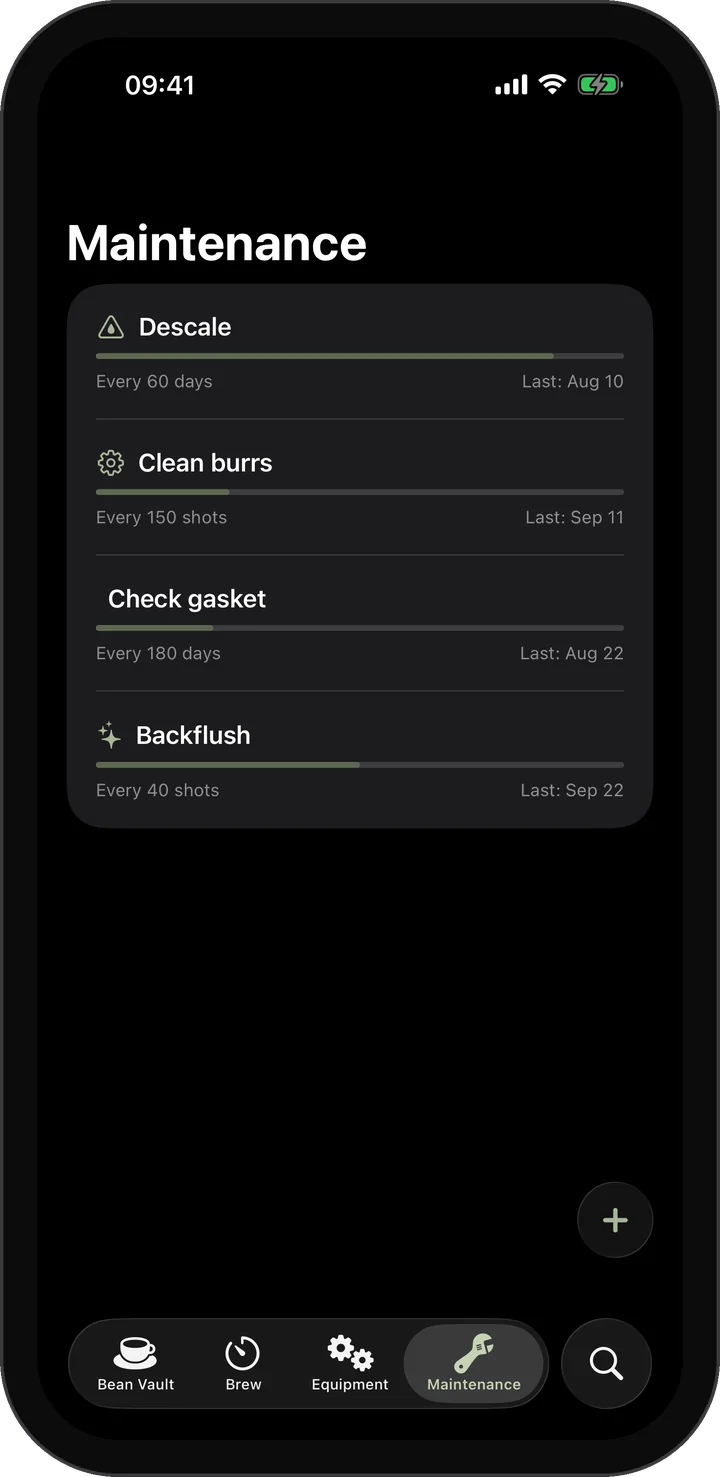
Maintenance
Backflush, descaling and burr cleaning, tracked by shots or days.
A Focused Toolkit
What's Coming
Smart Scale Integration
Bluetooth connectivity for Acaia, Felicita, and Decent scales — live weight data directly into your shot log.
Water Profiles
Record TDS, mineral composition, and water recipes for each shot to isolate every variable.
Advanced Analytics
Grind-to-extraction trend charts, flavor evolution over time, and best-performing beans ranking.
Bean Marketplace
Browse and discover specialty coffee beans from roasters around the world.
Barista Community
Public profiles and a shared recipe library, building on today's recipe links.
More Languages
Expanding language support to reach coffee lovers worldwide.
Support
Where can I download the app?
Dialed In is available now on the App Store for iOS. Android is coming soon.
Is my data stored online?
All your data is stored on your device. On iOS, if you're signed into iCloud, your data syncs privately across your Apple devices via CloudKit. No data is sent to our servers — we don't have any. You can export your complete data as JSON anytime.
How do I report a bug?
Open an issue on GitHub with your device model, OS version, and the steps that led to the problem.
Can I request a feature?
Yes. Feature requests are welcome on GitHub, and thoughtful feedback directly shapes what comes next.
What languages are supported?
English, German, and Spanish. More languages are planned.
What is a coffee companion app?
A coffee companion app keeps your beans, brew recipes and tasting notes together. Dialed In focuses on home espresso: record grind settings, dose, yield, extraction time and taste, then use your previous shots as a starting point for the next brew.
How can I use Dialed In to dial in espresso?
Save your coffee beans and equipment, then log a shot with its grind setting, dose, yield and extraction time. Add your tasting notes. On your next shot, change one variable and compare the result with your previous entry. Keep the settings you enjoy so you can return to them later.
Does Dialed In require an account or subscription?
No account or subscription is required. Dialed In is a one-time purchase; the current price is shown in your local App Store. Your logbook works offline. Optional iCloud sync keeps entries in sync across your Apple devices.
Found something to improve? Open an issue on GitHub
Ready to keep better records?
Download Dialed In for iOS and bring more consistency to the way you dial in espresso. Android coming soon.